
For plumbing, HVAC, electrical, excavation, and CIPP crews
Run every service job from one command center.
A field-service dashboard for the work that happens every day: new jobs, technician schedules, estimates, invoices, and customer follow-up.
14-day free trial. Stripe shows the trial dates before checkout. Cancel before it ends.
- Built for trade crews
- Mobile field workflow
- Payments and closeout
Built for real service days
One clean workflow from call to paid invoice
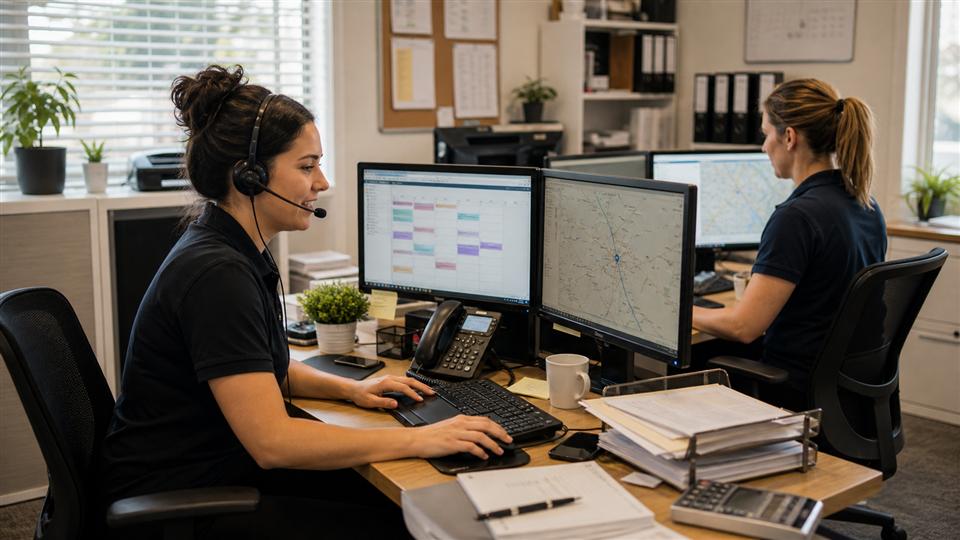
Dispatch
See what needs attention
Turn calls into scheduled work.
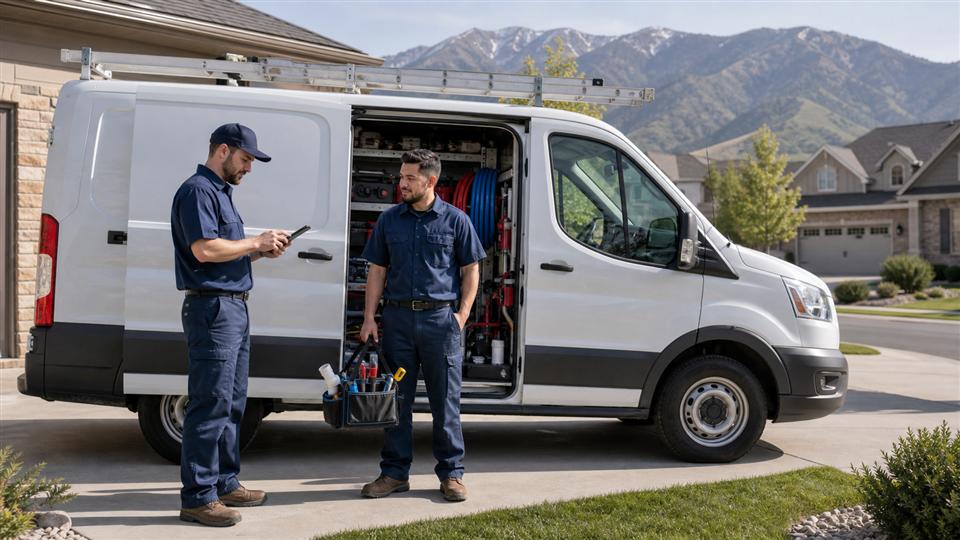
Field
Give techs the job context
Keep notes, photos, and closeout together.
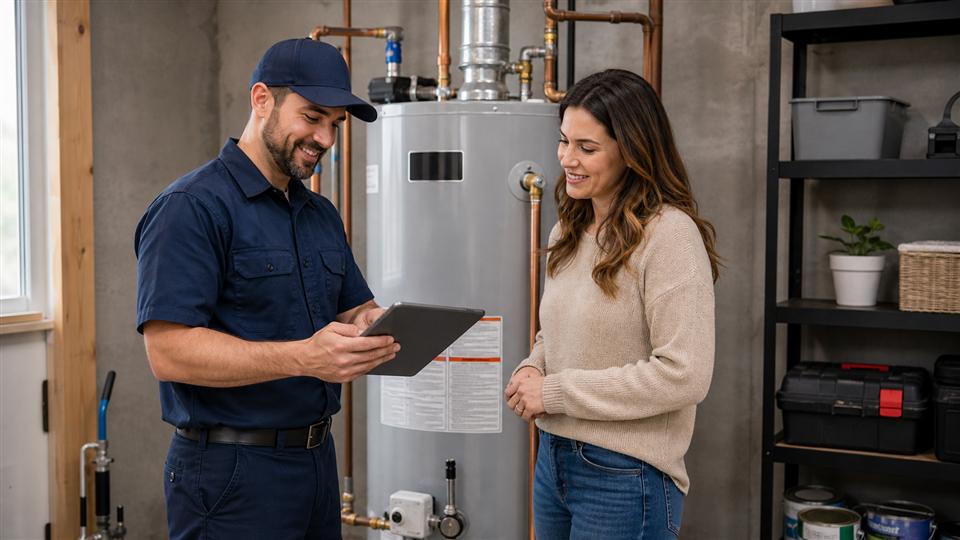
Payment
Send clear estimates and invoices
Send the customer a clear next step.
Product preview
A workspace your office and field crew can read fast
Owner dashboard
Today
Revenue$12.4K
Jobs active11
Unpaid$4.8K
8:30 AMDrain backup - Jordan
10:00 AMHVAC rooftop - Sam
1:30 PMWater heater estimate
Dispatch board
Week
Jordan
8AM - 11AM
Drain backup
Sam
12PM - 3PM
Panel repair
Taylor
3PM - 8PM
Camera inspection
Technician mobile
Assigned
Next job
Water heater leak
721 E 900 S, Provo
Notes
Photos
Materials
Estimate and invoice
Ready
50 gal water heater$3,600
Install labor$400
Total$4,000
Daily operations
Less spreadsheet dispatch. Less text-thread chaos.
Instead of spreadsheets
Keep customers, jobs, estimates, and invoices tied together.
Instead of text threads
Give the office and techs one shared job record.
Instead of whiteboards
See what is scheduled, in progress, unpaid, or stuck.
Core features
Core features
Call intake
Customer, issue, address, priority.
Dispatch flow
Assign crews and track status.
Technician mobile
Next job, notes, map, closeout.
Estimates & invoices
Price, send, approve, collect.
Real jobs crews run every week
Built around trade work, not generic tasks
Water heater replacement
Drain backup
Panel repair
Camera inspection
HVAC diagnostic
CIPP liner work
CrewHelper AI
CrewHelper drafts. Your team approves.
CrewHelper helps turn job context, price book items, notes, and customer requests into cleaner estimates, invoices, summaries, and follow-up messages.
Use the selected customer, job notes, and price book.
See totals, wording, and missing details first.
No customer-facing save, send, or delete without approval.
Company workspaces stay separated.
Each company has its own workspace. Roles control what owners, dispatchers, managers, and technicians can see.
AI drafts. Humans approve.
CrewHelper can draft estimates, invoices, notes, and messages, but it should not save or send customer-facing changes without approval.
Create your company, add your crew, book your first job.
Start simple, then add more workflows as the office and field team are ready.
Workspace access
Open the right dashboard
Dashboard access
Have an access key?
Enter your company access key to open the dashboard.
Team login
Open your company workspace.
Technicians, dispatchers, and managers sign in with their email and company code.
Role-based access
Assigned work only
Company code protected
Pricing
One simple plan for growing crews
GossCrewAI All-In Plan
$299/month
Everything your service company needs to answer calls, dispatch crews, manage customers, create estimates and invoices, track payments, use CrewHelper AI, and keep control of your business data.
- All features included
- No contracts
- 14-day trial
- Cancel anytime
- Built for plumbing, HVAC, electrical, excavation, CIPP, and service crews
- CrewHelper AI
Now onboarding first companies. Everything included for one simple monthly price.
Start Free TrialQuick answers
What crews ask before they start
Who is GossCrew AI for?
Small trade companies that need one place for jobs, dispatch, estimates, invoices, and field notes.
Does the AI send things automatically?
No. CrewHelper can draft estimates, invoices, notes, and messages, but your team approves before anything customer-facing is sent.
Can technicians use it on phones?
Yes. The field workflow is built for assigned jobs, maps, notes, photos, materials, closeout, and invoices on mobile.
Is each company's data private?
Yes. Each company has its own workspace, company code, roles, and access rules so crews only see the data they should.
Latest updates
Latest product updates
Recent access, dashboard, and technician workflow fixes pulled from the updates feed.
Keep the phones, schedule, field notes, and payments in one place.
Now onboarding first companies that want one clean command center for the office and field.